
Print, Copy & Scan
Printing
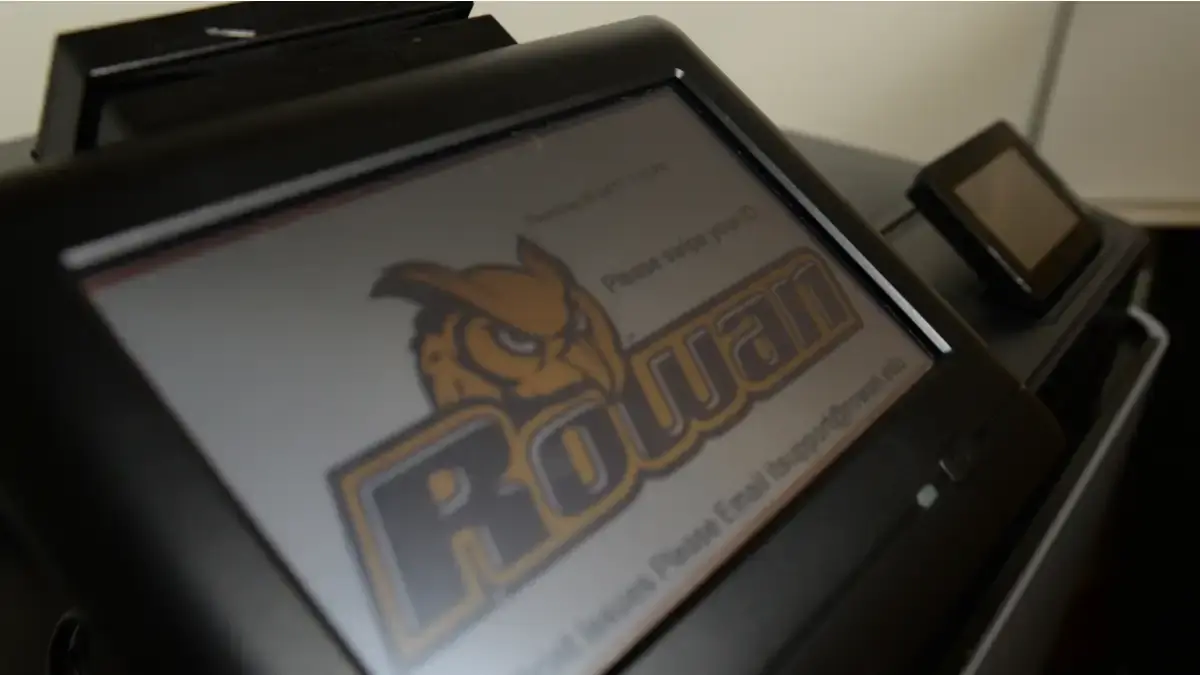
Need to print? Printing kiosks that allow you to upload a file from anywhere and release the print job with your RowanCard are located across all campuses. To print:
-
Upload your document to mobileprint.rowan.edu
-
Find a campus printing kiosk
-
Tap your RowanCard on the kiosk
-
Select which files you want to print
For more information, review the FAQs on printing on campus.